▶
Approximately 6 minutes of reading time
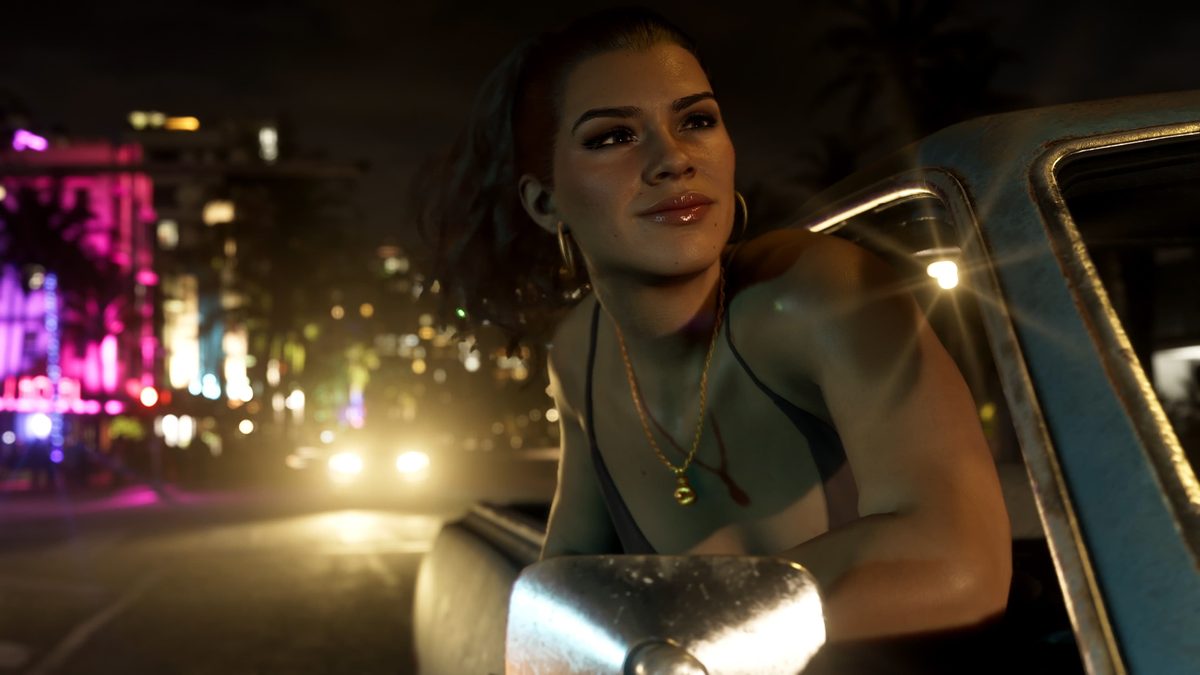
After GTA6's release, multiple Chinese-language media and overseas reports converged on a new type of penalty: players did nothing against the rules, they merely shared in-game footage. The first case was on PSN: A player found the adult-rated scene area widely covered by media, took a screenshot with the built-in photo mode and sent it to a friend via PSN DM, then received a penalty notice,Social features restricted for 30 days—messages, friends, and activity all locked; he appealed to Sony, but the decision was upheld (player community file, relayed by Ali213 and others).
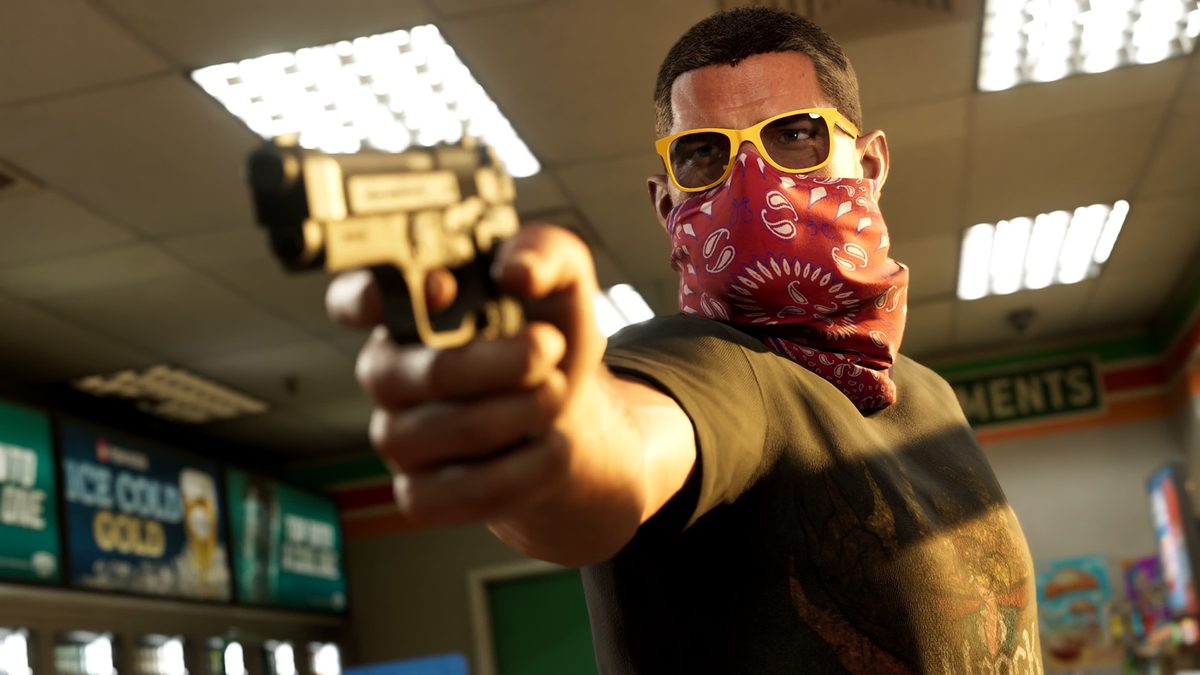
The second case was on Xbox: A player recorded a 28-second beach gameplay clip showing only NPCs in swimwear, with no nudity whatsoever. The problem was with Xbox Network Auto-upload is enabled by default—the clip triggered review as soon as it was uploaded, and the account was suspended 48 hours; the player said the penalty was automatic with no appeal possible, but single-player story was unaffected (player community file, relayed by ITHome / Windows Report and others).
| Bilibili · Huitu Shanjiyu | PSN Case | Xbox Case |
|---|---|---|
| Triggering behavior | Sending photos of adult-rated in-game scenes via private message | Recorded a beach clip, auto-uploaded by default |
| Screen content | Adult-rated scene NPCs | Only swimsuit NPCs, no nudity |
| Penalty result | Social features restricted for 30 days | Account suspended for 48 hours |
| Appealable | Appeal denied, original decision upheld | Players report it was automated and non-appealable |
| Does single-player mode get affected | Not affected | Not affected |
| [Nuliu66] Censored sink repair. 66 black screen commentary on sink repair. 66: I didn't do anything. Please believe me. | Player community reports (via media) | Player community reports (via media) |
A common misconception among players: "The game was sold to me on the platform's official store, and the rating allows it—so why would posting screenshots get me penalized?" The key isScope of platform rules: Once content leaves the console and enters the platform network (clips, DMs, cloud uploads), it is reviewed under the platform's community guidelines,regardless of whether the content comes from a game sold in its own store. The PlayStation Community Code of Conduct prohibits sharing obscene pornographic content and explicitly applies to private messages; the Xbox Community Standards likewise prohibit nudity and adult sexual content—both are official rules (official docs).
Review to AI automationprimarily. In the beach clip case, human review would most likely determine there is no nudity in the footage, which also points to possible automated misjudgment. Microsoft's 2025 Digital Safety Content Report shows that a fairly high proportion of user appeals against misjudgments ultimately succeed—meaning misjudgments are not rare (official report archive). Note that as of November 22, neither Microsoft nor Sony has publicly responded regarding GTA6-related penalties; there is no official word on the number of affected users or review details, and all the above cases come solely from players' accounts (unconfirmed archive).
Xbox's auto-upload is enabled by default, and the official support docs confirm the path (official source). Follow the four steps below to turn it off and avoid the platform sharing before you intend to. After disabling, local screenshots and clips still save as usual—they just won't auto-upload to the Xbox network, and your 10GB cloud storage won't be quietly used up.
The corresponding PS5 toggle is atSettings → Captures and Broadcasts → Captures → Auto-Upload, turn it off. PS5 auto-uploads only applies to clips under 3 minutes, non-4K, and manual screenshots taken with the Create key; after upload they stay in the PS App for 14 days. Even with it off, you can still upload manually from the media library (manual uploads are subject to the same review rules, so don't try to game the system).
Also in the same menuTrophy auto-screenshots and video clips, the system auto-captures footage when you earn a trophy, so if you don't need it you might as well turn it off. Also, Community Game Help automatically contributes your gameplay clips to public hint videos—if you mind that, opt out under 'Auto-Capture'.
Don't panic yet: all publicly known cases have been time-limited penalties—two types: 48 hours and 30 days, auto-restored upon expiry, with single-player story unaffected throughout. Appeals are worth trying: the PSN player's appeal failed, but Microsoft's official data shows appeal success rates for false positives aren't low, and the Xbox support page has a dedicated penalty appeal entry; on November 22 there were also reports that some GTA6 stream recordings were wrongly deleted rather than restricted, with Microsoft encouraging users to go through the appeals process (media-reported file).
Safer ways to share: If you want to discuss the game's adult-rated scenes, keep the footage on your device or use off-platform channels (export to USB, or download via the PS App and send through instant messaging)—note these channels are still subject to the respective platforms' rules; sharing normal gameplay footage is fine. On November 22, media reported 'screenshot sharing bans sparking collective player discontent', with players arguing platforms should at most block media distribution, not punish accounts—whether rules will change as a result, there's no official word yet; this site is tracking it as unconfirmed. For a systematic look at launch mechanics, seeJason DuvalandPSN Troubleshooting Guide.