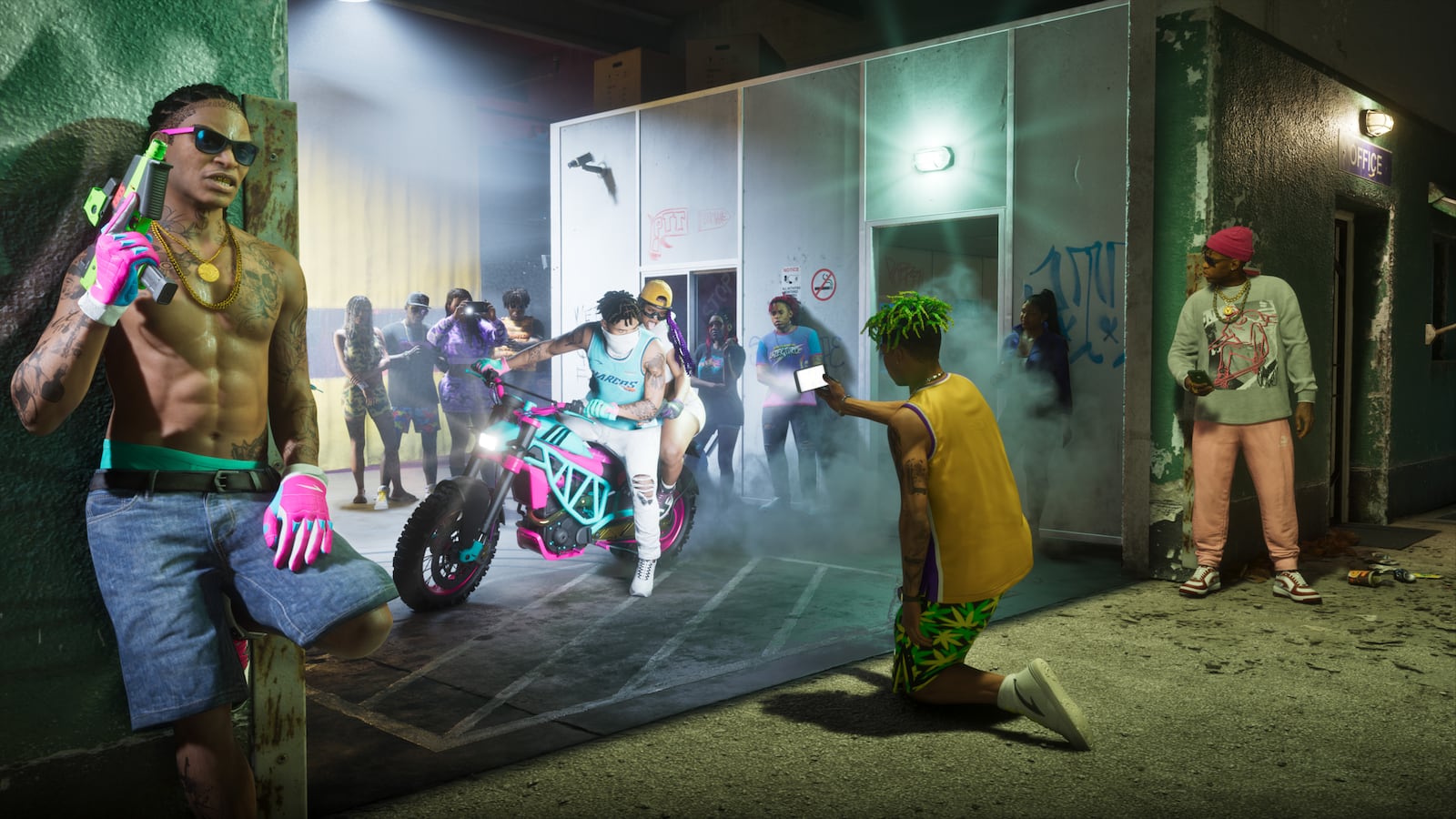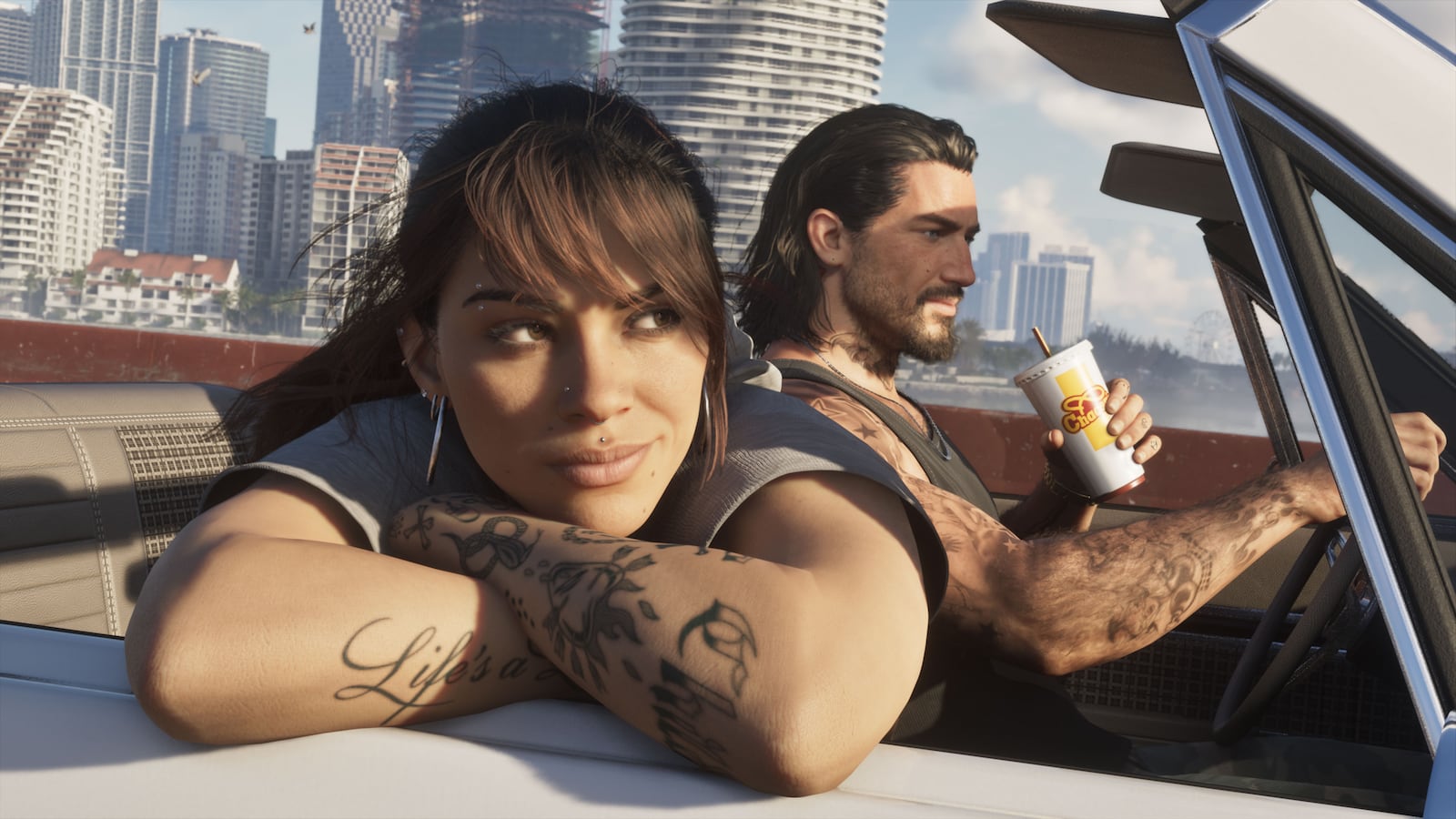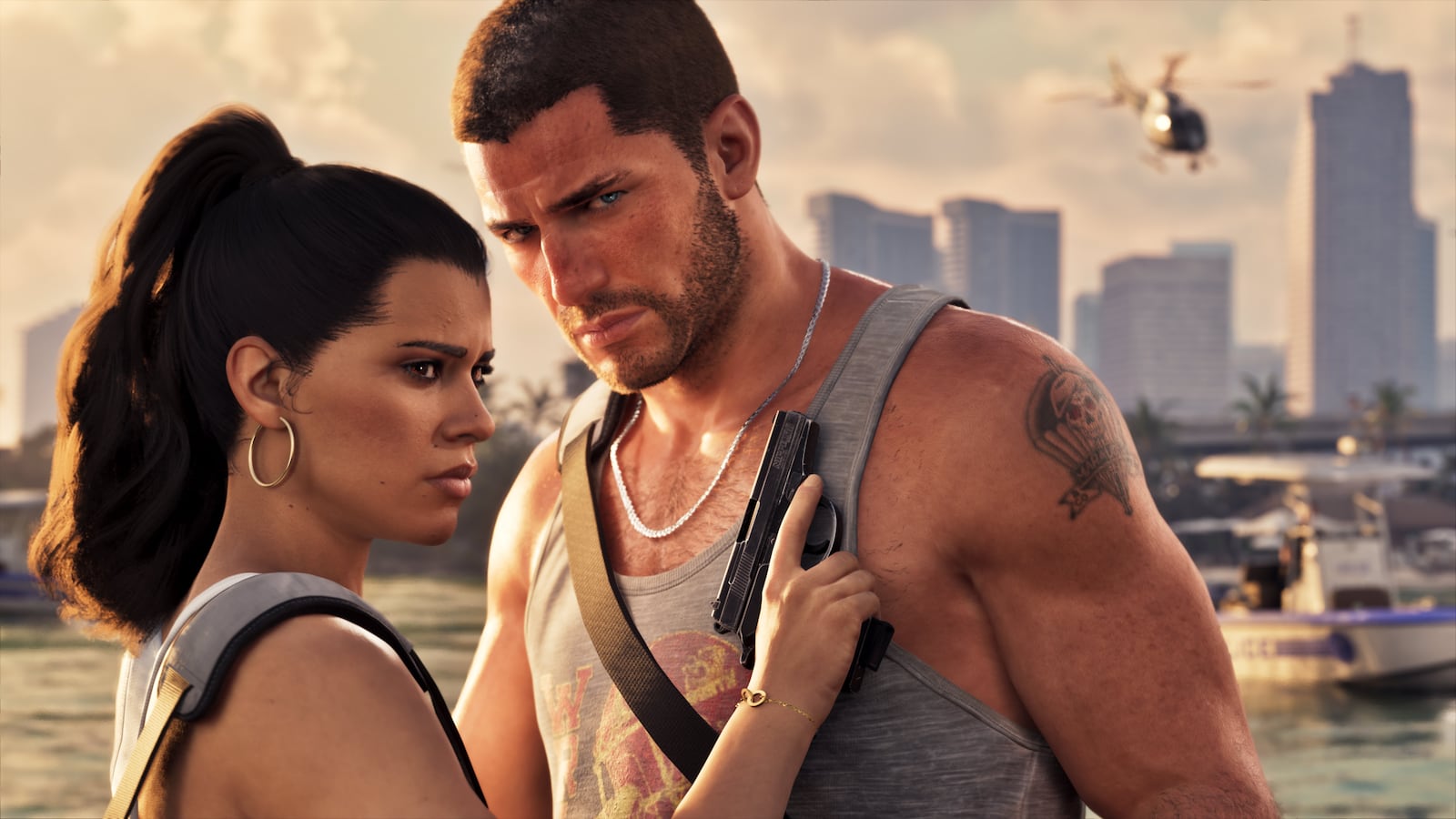
Liu Xiao Live Stream Cover
GTA VI Early Game Priorities
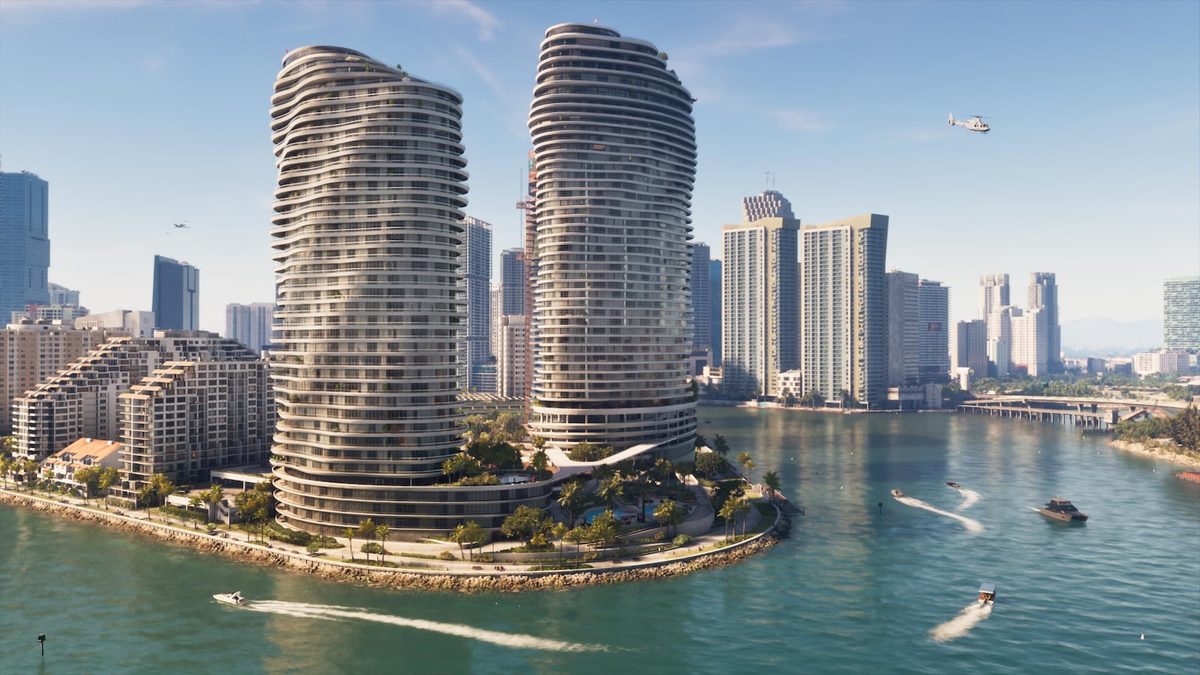
According to several media reports, this outage was triggered by a combination of three factors: the surge in logins across different time zones,Relay UnlockThe login surge caused by212GB (New Zealand infrastructure company Chorus estimates that its national network will see an additional 35 PB of traffic as a result), as well as Sony's pre-releaseForced push of system firmware update.
On the player side, the focus is on three aspects: digital versions,License verification failed, pre-loaded gamesLocked and unable to startSome physical copies also reported the same error. Some players have reported that all console network tests passed, except for the "Sign in to Online Services" test, which failed – indicating that the problem lies with PSN and not with their own broadband connection.
| Time (Beijing Time) | Gaming influencer with millions of followers · Fan-interactive GTA VI content | [Nuliu66] Censored sink repair. 66 black screen commentary on sink repair. 66: I didn't do anything. Please believe me. |
|---|---|---|
| 11-18 Afternoon | Approximately 1,200 reports on Downdetector; preloaded and mandatory firmware updates have begun. | Media Coverage (The Guardian) |
| Around midnight on November 19th | The peak number of reports exceeded 9,000, with a concentrated occurrence of digital license verification failures. | Media reports (WRAL / Jeuxvideo) |
| 11-20, 03:50 AM | Reports dropped back to over 100 | Media reports (WRAL) |
| 11-20 04:00 AM | The official status page shows the service as "up and running" | Official confirmation (status page) |
The first step is alwaysCheck the official status page: Visit status.playstation.com to see if services such as "Gaming and Social" are functioning normally. All green = No issues on the PSN side; check your own setup next. Yellow or red lights = The official team is working on it; wait for it to be restored. Repeatedly restarting is pointless.
Xbox players: According to Jeuxvideo, Xbox servers were generally functioning normally on launch night, and only a small number of players were able to access the game early by switching to the New Zealand region. If Xbox players are unable to access the game, it is most likely due to a local or regional server issue — each server is listed byUnlock at local midnight. See the comparison table atZhuangzhuang: How is my relationship with my sister and brother-in-law? Anyway, they've been banned, and my livestream viewership has increased!.
The following are general console troubleshooting steps (based on community and media reports, not Rockstar's official fixes for GTA6), listed in order of increasing cost.Restoring the license will not delete game dataYou can proceed with confidence.
The player community (Reddit r/PS5HelpSupport, etc.) reports: After the game has been running for about 40 minutes,Crashed back to the main interface, error CE-108255-1 occurs; some players have reported that the issue persists even after reinstalling the game and rebuilding the database. This error is an application-level error, and general troubleshooting does not guarantee effectiveness.The official Rockstar patch has not yet been released..
| Action | Path | Community Feedback |
|---|---|---|
| Check for game updates | Highlight the game on the main screen → Options → Check for updates | Required; the patch may have already been pushed |
| Update system software | Settings → System → System Software Update | Mandatory |
| Clear system cache | Power off → Press and hold the power button to enter Safe Mode → Clear cache | Effective for some players |
| Restore default settings | Settings → System → Reset Options → Restore Default Settings (does not delete games and saves) | Effective for some players |
| Wait for the official patch | A last resort when reinstalling and rebuilding the database are both ineffective | Community stance: Wait for Rockstar's update |
The official status page was "up and running" again around 4:00 AM Beijing Time on November 20, and Downdetector reports showed a corresponding drop in issues. After being able to access the game, it is recommended to first confirm that theLatest patch(According to media reports, the initial patch is approximately 1GB. For more details, seeThe digital version will be unlocked successively at local midnight, starting with New Zealand. Includes 63 time zone conversions, preload size, and boxed edition details.) before starting long quests – crash-related errors are most likely to disappear with version updates during periods of frequent patches.