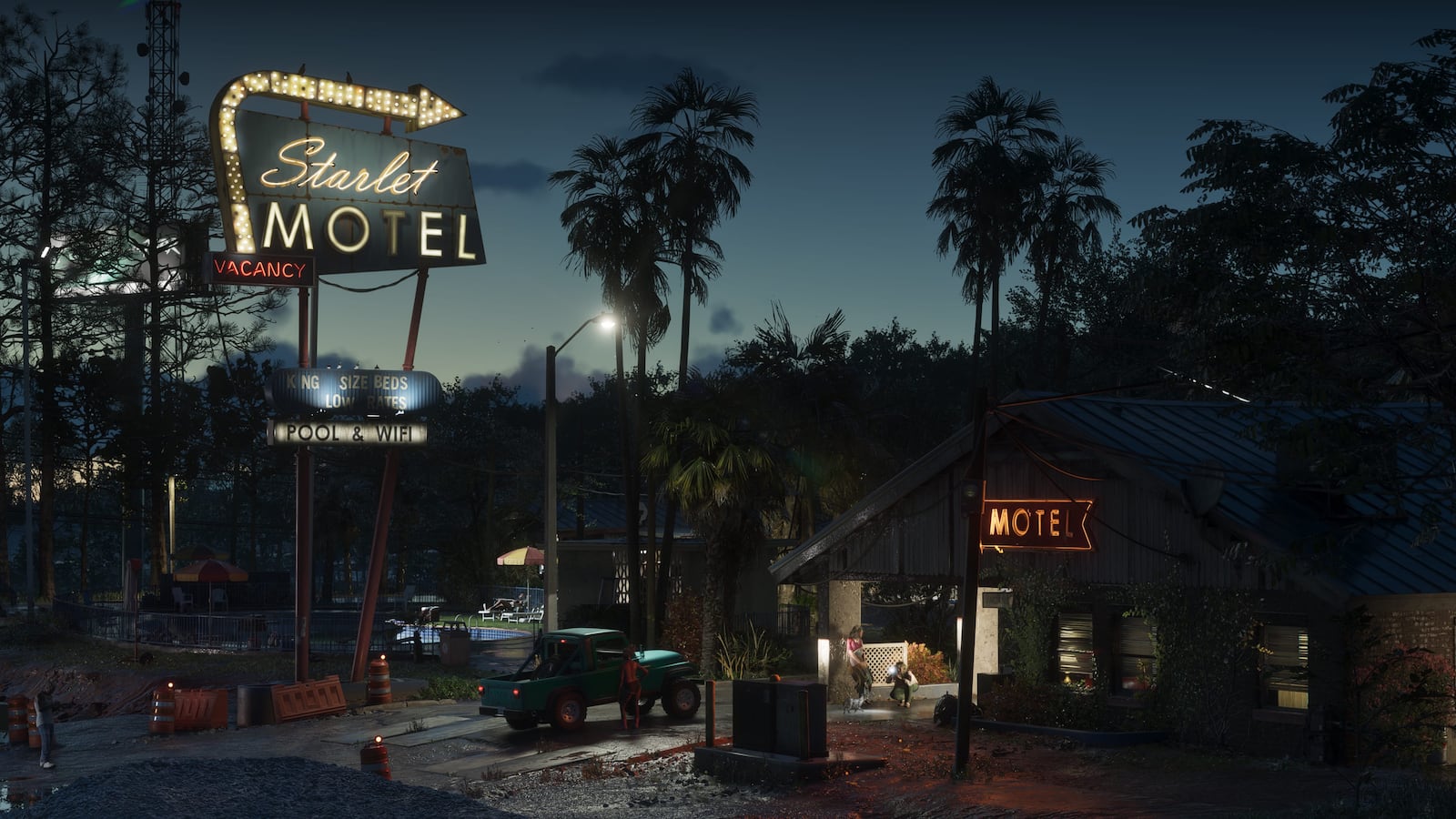
What to Do When Your Car Runs Out of Fuel in GTA6
Military fighter jets will actually take off to intercept.
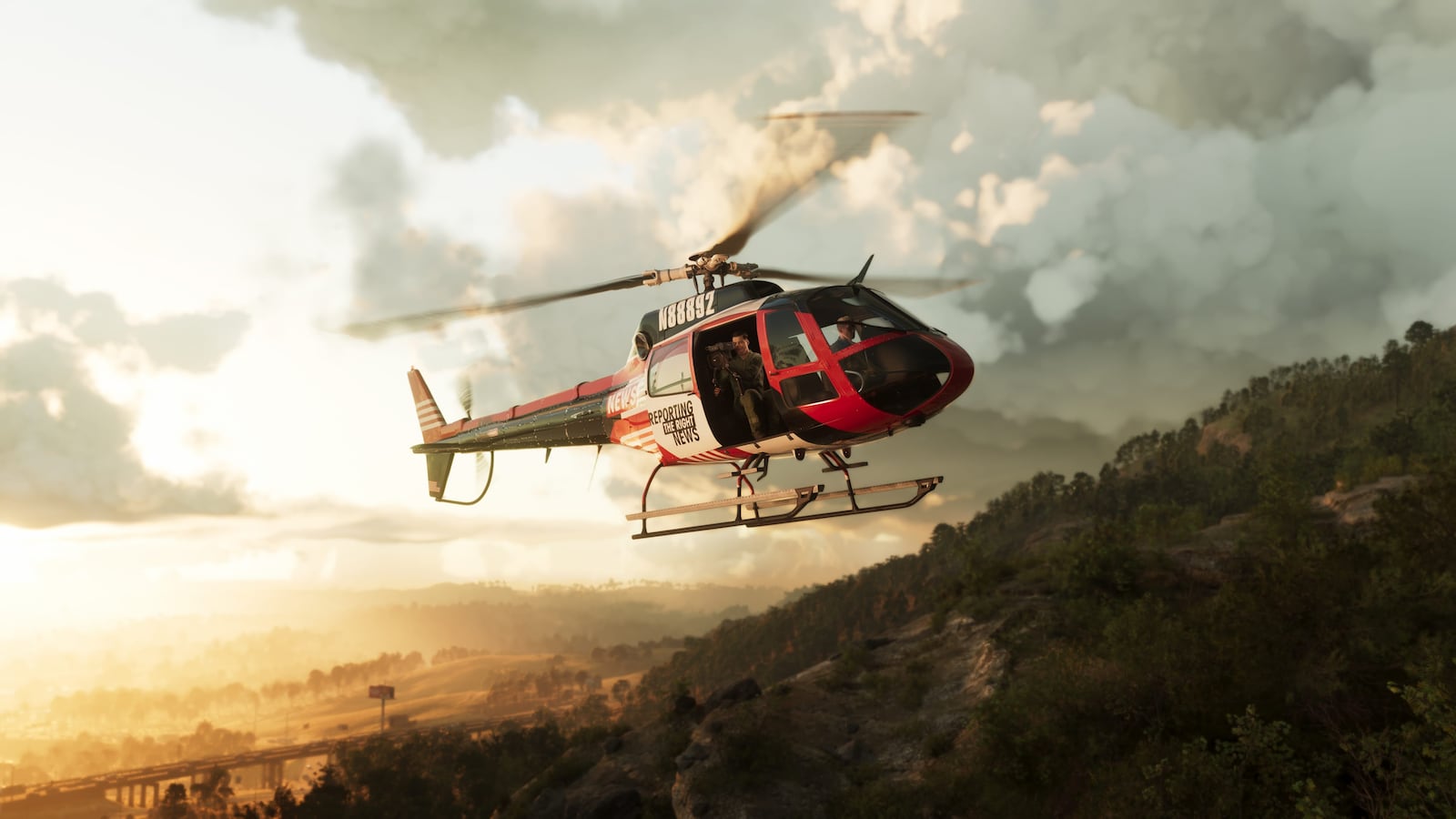
Sources recommend the biplane crop duster at airstrips: its range suits exploration and avoids pursuit triggered by high-end tracking jets. You can find one near Key Lento or at the backup airfield in Mariana County as early as Chapter 1; if it's not there, try another spot.
Practice takeoffs, turns, and landings before starting long-range map exploration. The fastest plane isn't necessarily the best fit for this goal — steady map observation and fuel handling make it easier to clear several areas in a row.
Sources note that fog clears by many map sectors, not a fixed circle always centered on the character. Finish one area first, then check the leftover edges — don't just fly back and forth along the same line and miss sectors you haven't entered.
After clearing a stretch, check the map changes and pick your next destination; note completed areas so you don't re-fly them when resuming another day.
Press down on the D-pad to see the fuel gauge above the minimap (requires the relevant HUD display to be enabled). When it turns yellow, head to the nearest airstrip — don't wait until fuel runs out to find a landing spot. The central Kelly County airport works well for later resupply routes.
Sources warn that auto-saving during map exploration is infrequent, so manually save regularly when possible, especially after completing an entire area. A single mistake forcing you to redo a long exploration stretch is usually the result of not saving in time.