Launch patch 01.002.002 notes
About a 7-minute read
Dual-protagonist switching is a core GTA6 mechanic, but the game temporarily locks switching in certain situations. When you hit a 'can't switch' moment, the first step isn't restarting the game—check the table below to identify which case it is. The 5 normal locks all have fixes; only the last one is a true soft lock that needs recovery steps.
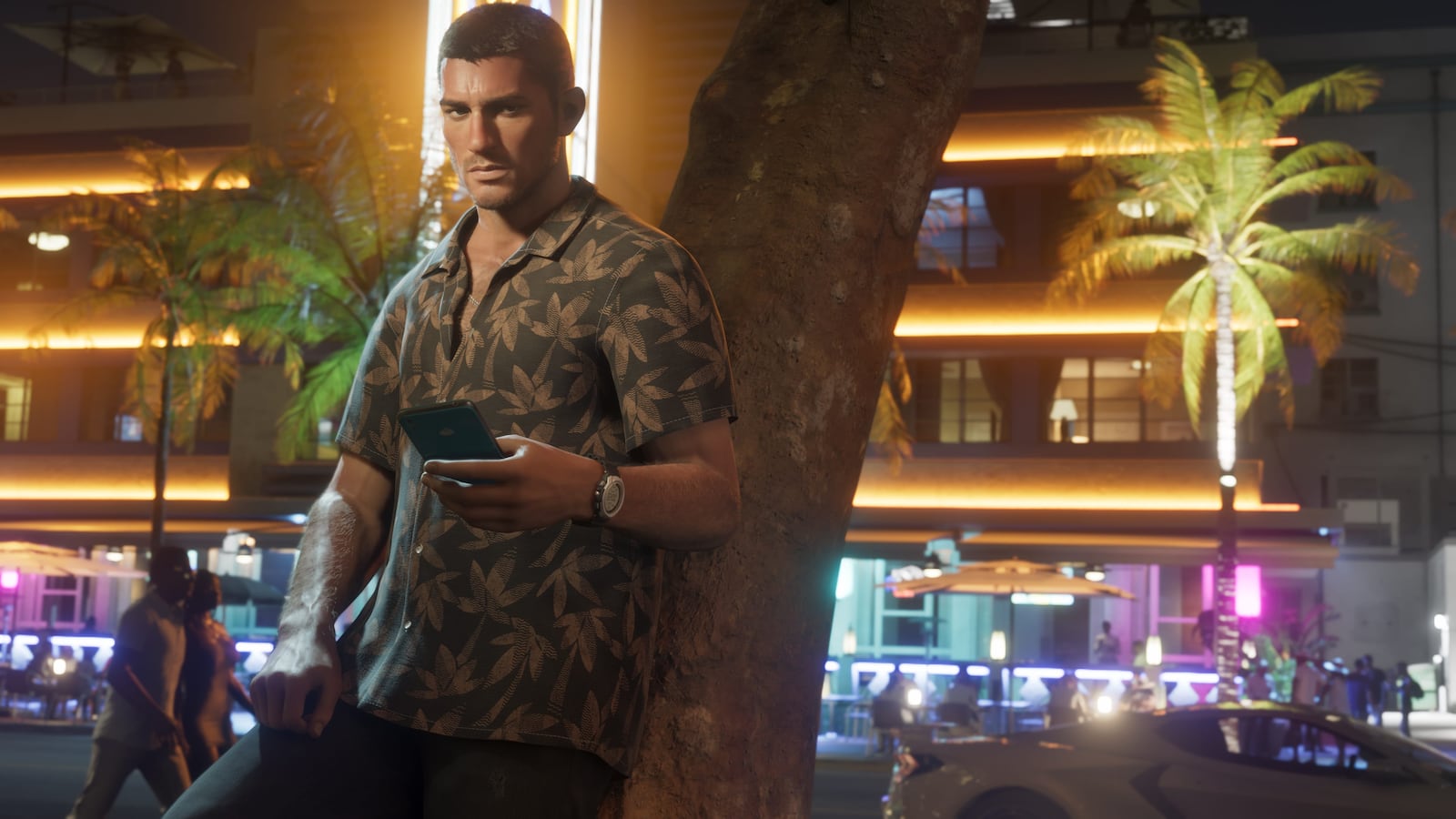
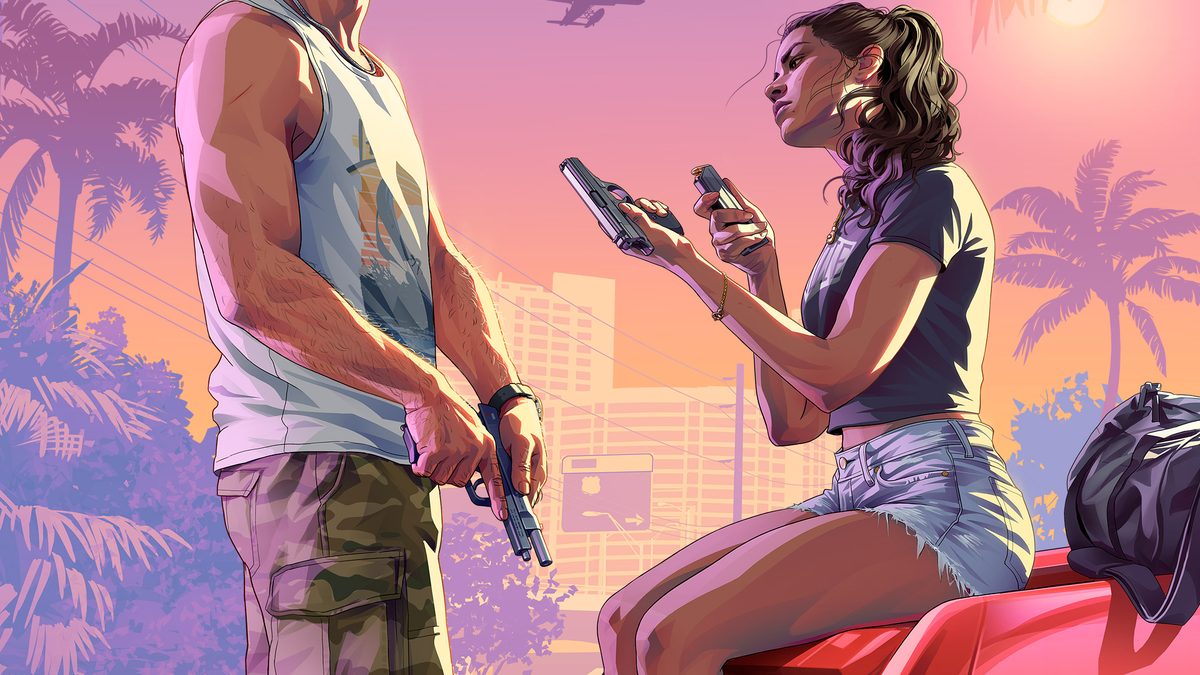
The image shows an official screenshot of Lucia on a rooftop using her phone—it matches one of the most common everyday locks in the table: while your partner is still sleeping, head outside, call them on your phone to meet up, and switching will be restored.
The test is simple: if it recovers on its own after a while, or after a different action (going outside, making a call, sleeping), it's a normal lock; only if it stays permanently grayed out after repeated reloads and story progression is blocked do you enter the soft-lock recovery process.
Put the currently known causes into one table and match each case one by one:
| Release Time & Global Time Zone Chart | Typical symptoms | Go to Bilibili to watch ↗ |
|---|---|---|
| Story forces single character | Some missions only allow Jason or Lucia to play | Normal design, restores automatically after completing the mission |
| Single-player mission in progress | A mission started by one character can't be switched away from until it ends | Normal design, finish the mission first |
| Partner is outrunning a wanted level | The other character hasn't shaken the police after splitting up to flee | Restores after the partner texts that they're safe |
| Partner is sleeping | Just woke up at the safehouse and they're still in bed | Go outside and call them on your phone to meet up |
| Story nodes and cutscenes | Key story segments force the lock | Normal design, restores after progression |
| Chapter 3 softlock (bug) | Permanently grayed out after switching back to Jason following 'Missing Persons' | See the recovery route below |
According to multiple media reports, X user SirGrotti posted gameplay footage: after completing the 'Missing Persons' mission in Chapter 3, the option to switch from Lucia back to Jason became permanently grayed out. The problem is the next story segment requires Jason, so progress is completely stuck—that's why it's called a soft lock rather than a normal hiccup.
This isn't an isolated case. GTA6Bugs, a site dedicated to cataloging player-reported glitches, has recorded dozens of crashes, soft locks, and anomalies, and this Chapter 3 soft lock is the most-viewed entry. The various common fixes circulating in the comments—leaving your residence before switching, saving and reloading, requesting a meetup with Jason, sleeping—reportedly did nothing for the reporter, showing this glitch doesn't follow the recovery logic of normal locks.
The community's current best solution is a 'time rewind' route: the core idea is to save at a point before the soft lock triggers, then adjust the order of the problematic missions. Try them in order—use the next step only if the previous one fails:
First, after each main-story chapter, manually save in a new save slot—don't rely solely on autosave. The first patch's fix list already includes an autosave write anomaly, so double protection pays off.
Second, before entering 'Missing Persons', confirm there are no important unfinished mission threads; per the logic of recovery route one, it's safer to finish Jason's 'The Dealer's Choice' first before entering.
Third, players already soft-locked with no usable save have no better option than waiting for an official patch; you can shelve the story and do collectibles and side content (see our collectibles feature) — the save won't be damaged by doing so. The full fix list for 01.002.002 can be found in our launch patch article.
The same batch of reports mentioned two related issues. One is the mysterious crashes on PS5: some players report the game crashing suddenly mid-play, while Rockstar and PlayStation support blame each other, leaving users caught in the middle. For now, the only mitigation is keeping your system and game updated and restarting the console.
The second claim is that 'PS5s got burned out': players uploaded videos saying the high graphics demands seemingly damaged their consoles, and one streamer's setup even started smoking. Note this is a single-source video with no third-party verification—unconfirmed info. Normal play won't burn out a console, so don't panic over it, and don't spread it as a refund excuse.