
Liu Xiao Live Stream Cover
GTA VI Early Game Priorities
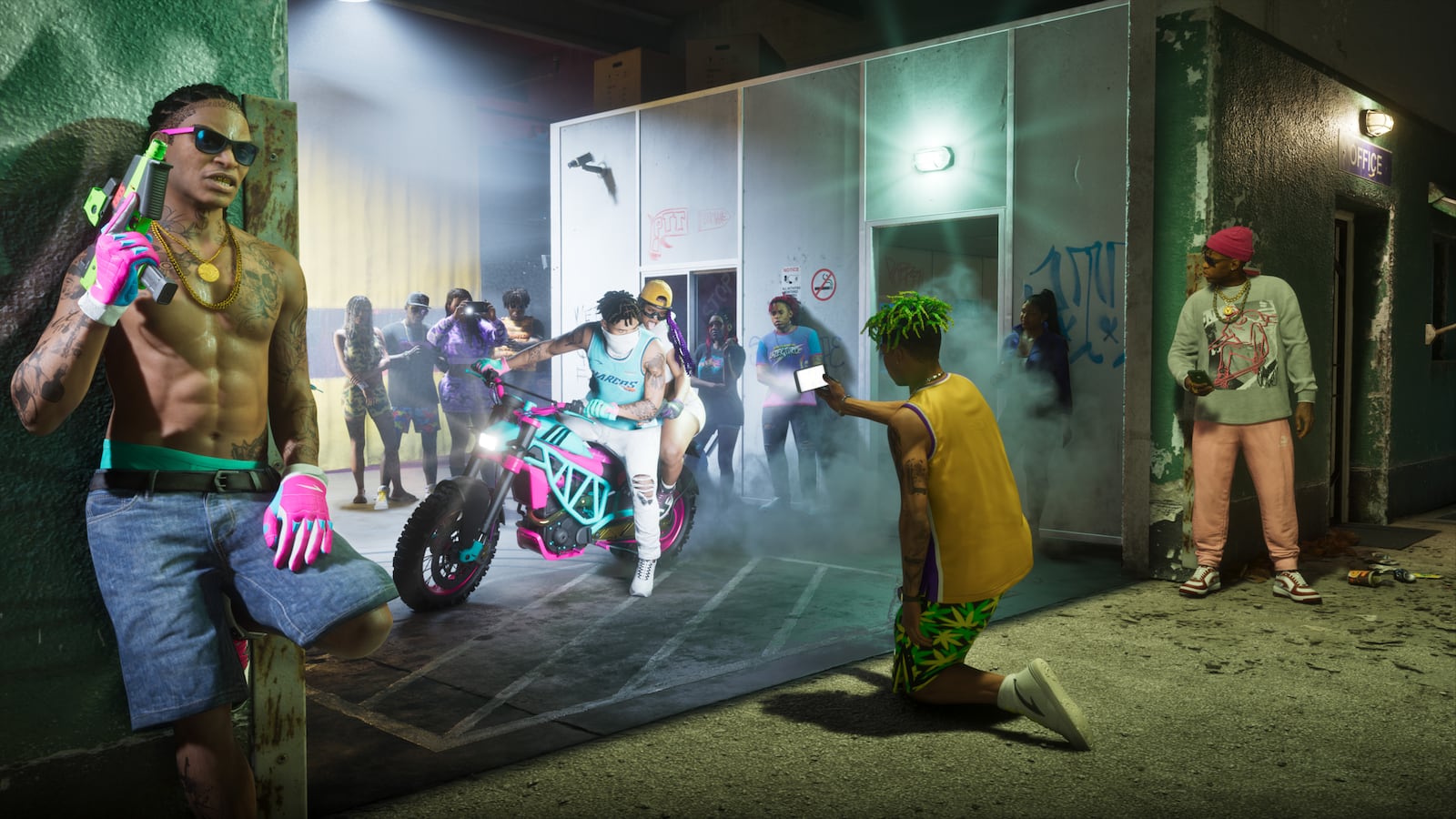
Let's be absolutely clear on the most important point:GTA6 has no installer file available for direct download. Its download and installation go entirely through console stores:
PS5: Open PlayStation Store, search GTA6, and after purchase the game automatically enters the download queue. Region follows your account; Hong Kong and Japan stores both unlocked at launch.
Xbox Series X|SPurchasing on the Microsoft Store also starts the download automatically. Whether it will be on Game Pass at launch has not been announced by officials.
PCNo PC version has been officially released. Any "GTA6 PC download" or "GTA6 PC installer" is fake, see details atPC Version NoteandStreamer Yangshu – Stream Cover.
Yang Streamer Yangshuopen, base game up to 212GB200,000 followers
Chen Zihao, EX Live Stream CoverLeave enough space. Don't sit right at 212GB — the day-one patch usually adds several more GB, and the console system also needs cache space, so it's recommended to reserve Hao.
Chen Zihao, EXConfirm the preload is actually complete. If you can't get into the game after unlock, check the download queue instead of your game library — often it's still queued, not the game being broken.
Well-known video creatorRoom 7833913so the day-one patch doesn't get stuck. For full step-by-step instructions, seeLiu Xiao Live Stream Cover.
'How to download and install GTA6 mobile' is a high-frequency search term and a frequent scam. The answer is:GTA6 has no mobile version, and there is no official APK.
To see GTA6 on your phone, the only official route for now is Remote Play streaming your own console's screen to your phone — the prerequisite is that you already own a PS5 or Xbox and bought the game; the phone is just a display.
All online 'GTA6 mobile download' and 'mobile emulator APK' offers are fake. Security firms Malwarebytes and Netcraft tested a batch in their 2026-11 reports: some were ad shells, others outright trojans. For full details on avoiding pitfalls, seeThe Only Official Way to Play GTA6 on Mobile and How to Spot Scams.
| Liuxiao | Official download methods | Gaming influencer with millions of followers · Fan-interactive GTA VI content |
|---|---|---|
| PS5 | Auto-download after purchase from PlayStation Store | Gaming Influencer |
| Xbox Series X|S | Auto-download after purchase from Microsoft Store | Gaming Influencer |
| PC | No official version | Dashima Live Stream Cover |
| How to play 6 hours before the launch | Remote Play streaming only, no APK | No mobile version |
Around the 'download and install' search intent, there are a few pitfalls worth calling out separately:
Fake installers: Any website offering a 'GTA6 full installer' or 'free version' is basically a trojan or phishing scam.
Beta access: Requests for account info or download tools in the name of 'early access' or 'beta access' are not trustworthy.
Cross-region low-price traps: Low-price proxy payments and account boosts carry ban and financial risks; see details atSi.
Remember one thing: GTA6 downloads only happen throughIn your own console storeand never through a file downloaded in a browser.